What if your most confidential virtual session is already sitting in someone’s downloads folder?
Virtual conferences have become boardrooms, classrooms, product launch stages, and investor briefings-but the same convenience that expands access also makes sensitive content easy to capture, copy, and redistribute.
Unauthorized screen recording is no longer a minor policy violation; it is a data leakage risk, an intellectual property threat, and a trust issue for every organizer hosting private or high-value sessions.
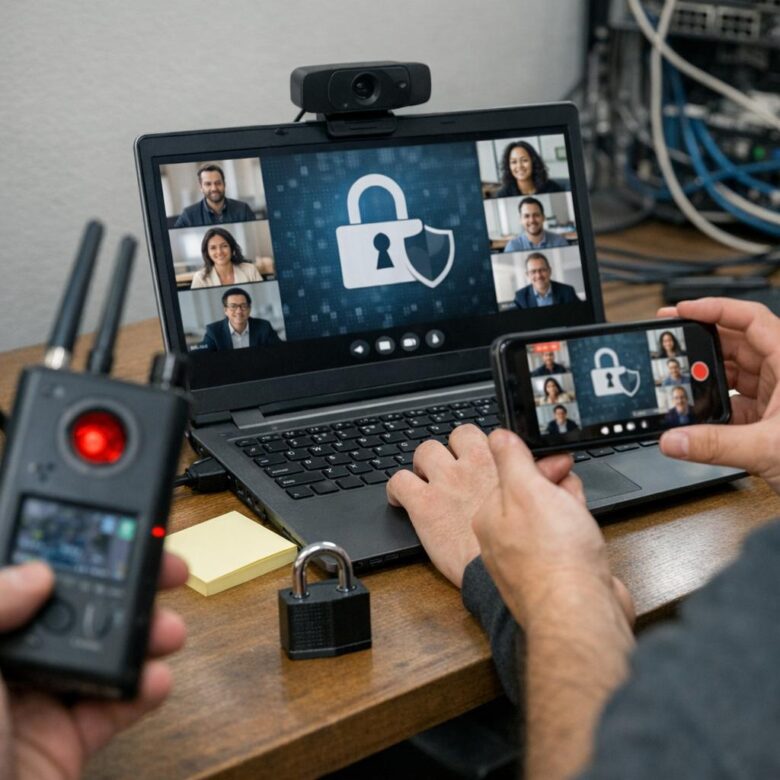
Securing these platforms requires more than disabling a record button. It demands layered controls, visible deterrents, access intelligence, and a clear response plan for when prevention is not enough.
Why Unauthorized Screen Recording Is a Critical Risk for Virtual Conference Platforms
Unauthorized screen recording turns a private virtual event into a permanent, shareable asset outside your control. For platforms hosting paid webinars, investor briefings, medical training, legal consultations, or enterprise meetings, one leaked recording can expose confidential data, damage trust, and create compliance issues under privacy regulations such as GDPR or HIPAA.
The risk is not limited to someone clicking “record” inside Zoom, Microsoft Teams, or Webex. Attendees can use external screen recording software, mobile phones, browser extensions, or capture cards to copy premium content, internal strategy discussions, customer information, or copyrighted training materials without triggering standard platform alerts.
A real-world example is a paid virtual certification workshop where one attendee records the full session and uploads it to a file-sharing site. The organizer loses course revenue, the instructor’s intellectual property is exposed, and legitimate customers may question whether the platform provides enough security for future online events.
- Financial loss: stolen recordings reduce ticket sales, subscription renewals, and paid content licensing value.
- Legal exposure: recorded personal data, contracts, or health information can create regulatory and contractual liability.
- Brand damage: clients may move to competitors with stronger video security, DRM protection, watermarking, and access control.
In practice, the most vulnerable sessions are often the most valuable ones: executive briefings, product launches, M&A discussions, sales enablement training, and continuing education courses. That is why secure virtual conference platforms need layered protection, including attendee authentication, dynamic watermarking, recording permission controls, secure cloud storage, and monitoring tools that discourage misuse before it happens.
How to Prevent Screen Recording with Access Controls, DRM, Watermarking, and Monitoring
Start with access controls because most screen recording incidents happen when the wrong person gets into the meeting or receives the replay link. Use SSO, MFA, waiting rooms, role-based permissions, and expiring access links in platforms like Zoom, Microsoft Teams, or Webex. For paid webinars, legal briefings, medical training, and investor calls, tie attendance to verified accounts instead of reusable public links.
DRM is essential when sessions are recorded and distributed later. A secure video hosting service with digital rights management can block downloads, restrict playback by device, and limit viewing by region or subscription status. For example, a corporate training team might host compliance videos on a DRM-enabled platform rather than sending MP4 files through email or cloud storage.
- Dynamic watermarking: Display the viewer’s name, email, IP address, or user ID across the video to discourage leaks.
- Session monitoring: Track unusual behavior, such as multiple logins, screen-sharing misuse, or sudden mass exits during confidential content.
- Policy enforcement: Disable local recording, restrict chat file sharing, and require host approval before participants share screens.
One practical insight: visible watermarks work better when attendees know they are traceable. In sensitive board meetings or premium online courses, this small reminder often prevents casual recording more effectively than a buried policy document. Combine it with audit logs, cloud recording controls, and clear terms of use so your virtual conference security is both technical and enforceable.
Common Security Gaps That Let Attendees Record or Leak Virtual Conference Content
One of the biggest gaps is relying on platform settings alone. Even if screen recording is disabled in Zoom, Microsoft Teams, or Webex, attendees can still use external capture devices, mobile phones, browser extensions, or HDMI recorders to copy paid sessions, investor briefings, or internal training content.
Weak access control is another common issue. Shared meeting links, reused passwords, and missing single sign-on make it easy for unverified users to join under a legitimate name. In real events, I’ve seen “registered attendees” forward login details to colleagues or vendors, creating a leak path that organizers only notice after clips appear on social media or private Slack channels.
- No visible watermarking: Without user-specific watermarks, it is difficult to trace who recorded or leaked the content.
- Poor role permissions: Giving all attendees download, chat file-sharing, or screen-sharing rights increases data loss risk.
- Lack of monitoring: No audit logs, device tracking, or suspicious behavior alerts leaves security teams blind.
Content management mistakes also matter. Uploading session replays to unsecured cloud storage, using public Vimeo links, or allowing unrestricted downloads can expose premium conference content after the live event. A better approach is to combine DRM video hosting, attendee authentication, forensic watermarking, and clear recording policies before the event starts.
The practical takeaway: treat virtual conference security like digital rights management, not just meeting moderation. The cost of prevention is usually lower than legal cleanup, refund requests, and reputational damage after confidential content is leaked.
Summary of Recommendations
Unauthorized screen recording cannot be eliminated by a single control, but it can be made difficult, detectable, and less valuable. The strongest approach combines platform safeguards, clear access policies, visible deterrents, and post-event monitoring.
Practical takeaway: choose virtual conference tools that support granular permissions, watermarking, attendee authentication, and audit logs. For high-value or confidential sessions, prioritize prevention and traceability over convenience. The right decision is not the most restrictive setup, but the one that matches the risk level of the content, the audience, and the consequences of exposure.

Dr. Lucas Harrington is a technology and business events specialist focused on virtual conferences, hybrid event solutions, and professional networking platforms. He provides practical guidance for companies adapting to the future of digital events.